The quickest way to book a telehealth appointment is to sign in to your provider’s app or patient portal, choose your visit type, and grab the next open slot, or just call the office if you’d rather skip the screen. Insurance and visit type determine what you’ll pay and how soon you’re seen, so check both before you confirm. From there, it’s a matter of creating an account (or dialing the phone) and getting started right now.
TL;DR:
- Checking insurance coverage beforehand is essential, as telehealth may be paid differently than in-person visits, affecting your total costs.
- Booking a same-day or immediate appointment generally involves selecting the “see next available” option in the app, with providers releasing additional slots throughout the day.
- Urgent care visits cover sudden, minor issues and are available on-demand, while scheduled primary care is suited for ongoing health management.
- Preparing your medication list, symptom timeline, and testing your device’s audio and video are key steps to ensure a smooth virtual visit.
- For true emergencies like chest pain or difficulty breathing, going directly to the emergency room or calling 911 remains the best course of action.
Table of Contents
- How Do You Book a Telehealth Appointment Online or by Phone?
- Which Visit Type Should You Choose: Urgent Care, Primary Care, or Mental Health?
- How Do You Check Insurance Coverage and Cost Before Booking?
- What Do You Need to Prepare Before Joining Your Video Visit?
- What Happens During and After a Telehealth Visit?
- How Top Weight Loss Med Handles Telehealth Booking
- What Actually Matters When You’re Booking Telehealth Fast
- Ready to Book? Here’s Your Next Step
- Sources
- FAQ
How Do You Book a Telehealth Appointment Online or by Phone?
Booking a virtual visit takes about five minutes once you know where to click. Here’s the exact sequence:
- Create an account or sign in. Most systems use a patient portal like MyChart, where open scheduling lets you book without calling anyone.
- Enter your basics. Have your full name, date of birth, insurance policy number (if applicable), and a current phone number or email ready.
- Pick your visit type and reason. Urgent concern, follow-up, medication refill, mental health check-in, whatever applies. Some portals also ask for your state, since clinicians need to be licensed where you’re physically located.
- Choose a time. Select “see next available” if you want same-day care, or pick a scheduled slot that fits your calendar.
- Finish check-in forms. This includes your consent to telehealth, which every legitimate provider requires before the visit starts.
- Review the cost estimate. Confirm what you’ll owe based on insurance or self-pay pricing, then add a payment method if needed.
- Save your access details. Screenshot the video link or write down the callback number, so you’re not scrambling five minutes before the appointment.
Calling works just as well if you prefer a human on the line. Say you’re calling to schedule a virtual visit, give the reason (be specific: “recurring migraines” beats “not feeling well”), and ask directly whether the visit is covered by your insurance. The scheduler will text or email your video link, or confirm a callback number if the visit is phone-only. Federal guidance on scheduling telehealth recommends asking your provider or insurer about telehealth availability if you’re not sure they offer it.
Pro Tip: Book the earliest same-day slot first, then adjust. Providers often release additional same-day openings throughout the morning as other patients cancel.
Which Visit Type Should You Choose: Urgent Care, Primary Care, or Mental Health?
Picking the wrong visit type is the single most common reason telehealth appointments get rescheduled. Match your need to the right category before you book.
- Urgent care telehealth handles acute, minor issues like a sinus infection, pink eye, or rash. Many platforms run these on-demand, often around the clock, so you can be seen within minutes rather than days.
- Primary care telehealth is built for scheduled, ongoing needs: chronic condition management, medication refills, routine follow-ups, lab result reviews. You’ll typically book a specific time slot rather than getting instant access.
- Mental health telehealth splits into two lanes. Therapy sessions focus on talk-based support and coping strategies, while psychiatry or medication management involves a prescriber evaluating and adjusting treatment.
- Skip telehealth entirely for chest pain, trouble breathing, severe bleeding, or major trauma. These require in-person emergency care, full stop.
Federal guidance draws a clear operational line between on-demand urgent visits and scheduled primary care visits. Booking the wrong one is the fastest way to lose your appointment slot and start over. If you’re weighing urgent telehealth against an in-person urgent care trip, this comparison breaks down when each makes more sense.
How Do You Check Insurance Coverage and Cost Before Booking?
Call your insurer’s member services line or check with your HR benefits manager before you book, and ask specifically whether telehealth is covered the same as an in-person visit. Coverage rules for virtual care can differ from office visits, so don’t assume they’re identical just because the provider is the same.
Once you know your coverage status, add your insurance information directly into the provider’s app or portal. Most virtual-care platforms will display an estimated cost before you confirm the booking, whether you’re using insurance or paying out of pocket. That price varies based on the type of clinician you see, whether it’s urgent or scheduled care, and whether the provider offers a membership or subscription option for ongoing visits.
- Nurse practitioners and physician assistants typically cost less per visit than physicians or specialists.
- Membership-based telehealth programs can lower per-visit costs if you need frequent follow-ups.
- Self-pay visits usually cost more than insured visits, but the price is fixed and known upfront.
If you’re on Medicare, Care Compare lets you search for providers and filter specifically for telehealth capability, which confirms whether a given clinician’s virtual visits are covered. If you don’t have insurance or need a lower-cost option, the HRSA health center finder lists federally supported clinics that serve patients on Medicaid, Medicare, or with no coverage at all.
What Do You Need to Prepare Before Joining Your Video Visit?
Technical hiccups eat into your actual visit time, so handle them before the appointment starts, not during it.
- Update your app or browser the day before, not five minutes before. Outdated software is the most common cause of failed video connections.
- Test your camera and microphone using your phone or computer’s built-in settings.
- Connect to stable Wi-Fi or a wired connection rather than relying on spotty cell data.
- Click your video link early if the platform allows a test join, and confirm you have a phone-only backup number in case video fails mid-call.
- Write down your current medications and allergies, including dosages, so you’re not guessing out loud.
- Draft a short symptom timeline. When it started, what makes it better or worse, and anything you’ve already tried.
- Find a quiet, private room and use headphones if anyone else is nearby.
- Review your consent-to-telehealth form ahead of time so you’re not signing it while distracted mid-visit.
Clinicians work with tight windows during video visits, and a clear, chronological rundown of your symptoms and medications lets them make faster, more accurate decisions than a rambling explanation would. Federal telehealth guidance specifically points to this kind of preparation as a way to improve the quality of a short virtual visit.
Pro Tip: Keep your medication list in your phone’s notes app permanently. Update it once, and you’ll never scramble to remember dosages again before any appointment, virtual or in-person.

What Happens During and After a Telehealth Visit?
A typical virtual visit follows a predictable rhythm: check-in, a brief history review, a visual assessment if relevant, then a diagnosis and treatment plan. The whole thing usually runs 10 to 20 minutes depending on complexity.
- If a prescription is needed, most clinicians e-prescribe it directly to your pharmacy of choice, or arrange delivery through the platform if that option exists.
- Follow-up care gets scheduled through the same portal you used to book the original visit, often with a suggested timeframe built into your visit notes.
- Visit summaries and clinician notes typically land in your patient portal within a day, so you can reference them later or share them with another provider.
- Billing statements and receipts also post to the portal. If a charge looks off, message the billing department through the portal first rather than assuming it’s an error.
How Top Weight Loss Med Handles Telehealth Booking
Topweightlossmed built its booking flow around one idea: you shouldn’t wait days to talk to a clinician about weight loss, primary care, mental health, or medication needs. New patients sign up, review and complete the consent-to-telehealth documentation, and can typically see same-day availability rather than a multi-week wait.
- Same-day booking is built into the scheduling flow, not an exception you have to request.
- Weight loss, primary care, mental health, and other services live on one platform, so switching between them doesn’t mean starting over with a new provider.
- Medication delivery is integrated for patients who need prescriptions filled without a separate pharmacy trip.
- Pricing and consent details are posted before you book, so there’s no guessing what a visit will cost.
A detailed walk-through of the same-day booking flow shows exactly how a new patient moves from sign-up to a confirmed visit.
What Actually Matters When You’re Booking Telehealth Fast
Most guides treat every step of telehealth booking as equally important. It isn’t. Coverage comes first, always. Find out what your insurer actually pays for before you pick a provider, because the cheapest visit on paper can turn into a surprise bill if you skip that step. After that, speed matters more than almost anything else, which is why portals and apps beat phone calls for routine needs. Save the phone call for when you’re genuinely stuck or need a human to sort out something the app can’t handle.
The other habit worth building: treat your medication list and symptom notes as permanent, not something you scribble down right before each visit. And know the difference between “I need help right now” and “I need ongoing management.” On-demand urgent care solves the first. Scheduled primary care solves the second. Mixing them up is the most common reason people end up frustrated with telehealth in general.
— Bryan
Ready to Book? Here’s Your Next Step
Topweightlossmed skips the waiting-room math entirely. There’s no calling around to check if a provider has openings this week. You sign up, complete your consent-to-telehealth form, and see same-day slots for weight loss, primary care, mental health, or related concerns, all inside one account instead of juggling separate portals for each specialty.
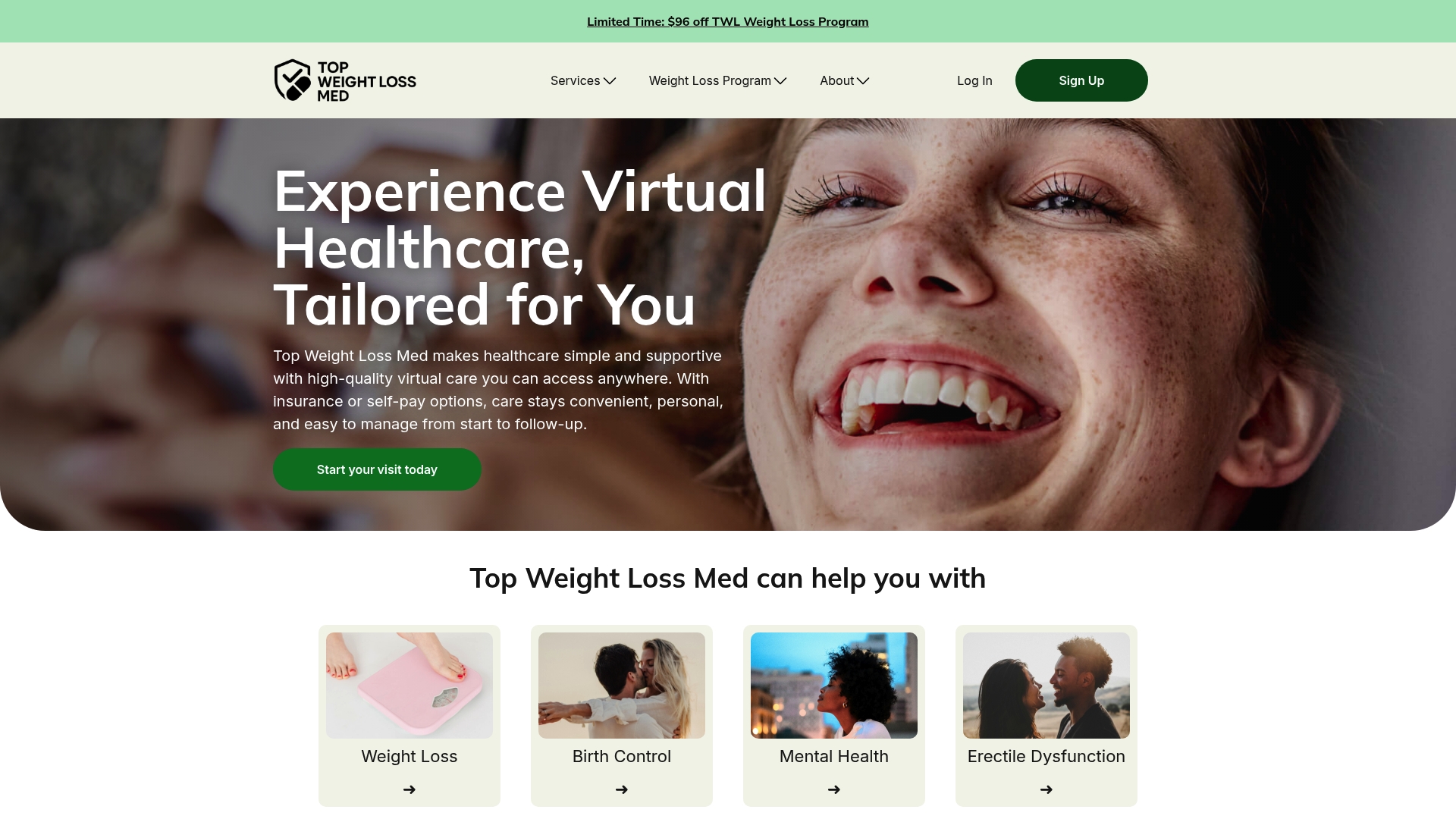
Getting started takes three steps: create your account, confirm your insurance or self-pay preference to see your estimated cost, and pick a same-day time that works. If you’re specifically looking into medical weight loss support, the weight loss program page walks through what a first visit covers and how ongoing care and medication delivery fit together. Insurance and self-pay options are both supported, and pricing shows before you confirm anything.
One thing telehealth can’t replace: if you’re dealing with a true emergency, chest pain, difficulty breathing, severe injury, call 911 or go to the nearest emergency room instead of booking a virtual visit.
Sources
This article is general information, not a substitute for advice from a qualified doctor. Consult a qualified healthcare professional about your own circumstances before acting on anything here.
FAQ
How Do I Schedule a Telehealth Visit?
Sign in to your provider’s patient portal or app, select your visit type, and choose an available time, or call the office directly if you’d rather book by phone. Most systems also require completing consent-to-telehealth forms before your visit is confirmed.
How Do I Book a Virtual Doctor’s Appointment Same Day?
Look for a “see next available” option in your provider’s app rather than a specific scheduled time, since many platforms, including Topweightlossmed’s same-day flow, release same-day openings throughout the day.
How Much Does a Virtual Doctor’s Visit Cost?
Cost depends on the clinician type, visit type, and whether you’re using insurance or paying out of pocket, and most apps show an estimated price once you enter your insurance details or choose self-pay. Membership-based programs can lower the per-visit cost for people who need frequent care.
Does Insurance Still Cover Telehealth Visits?
Many insurers continue covering telehealth, but coverage rules can differ from in-person visits, so confirm with your insurer or HR benefits manager before booking. Medicare beneficiaries can use Care Compare to verify which providers accept Medicare for telehealth specifically.
What if My Video Call Fails During the Appointment?
Most providers offer a phone-only backup, so have that number saved before your visit starts in case the video connection drops. If you can’t reconnect at all, contact the office directly through the portal or phone line to reschedule or continue the visit by phone.